GTA VI
HDR settings
Find HDR10 starting settings for your TV or monitor using measured game output.
Find my settingsHDR calculator
Use a measurement from a review
In-game settings
LG B4 OLED · dark room
- Max Brightness
- 1200
- Paper White
- 35
- Black Levels
- 20
Starting values for HDR10. Compare highlights and shadows in the game.
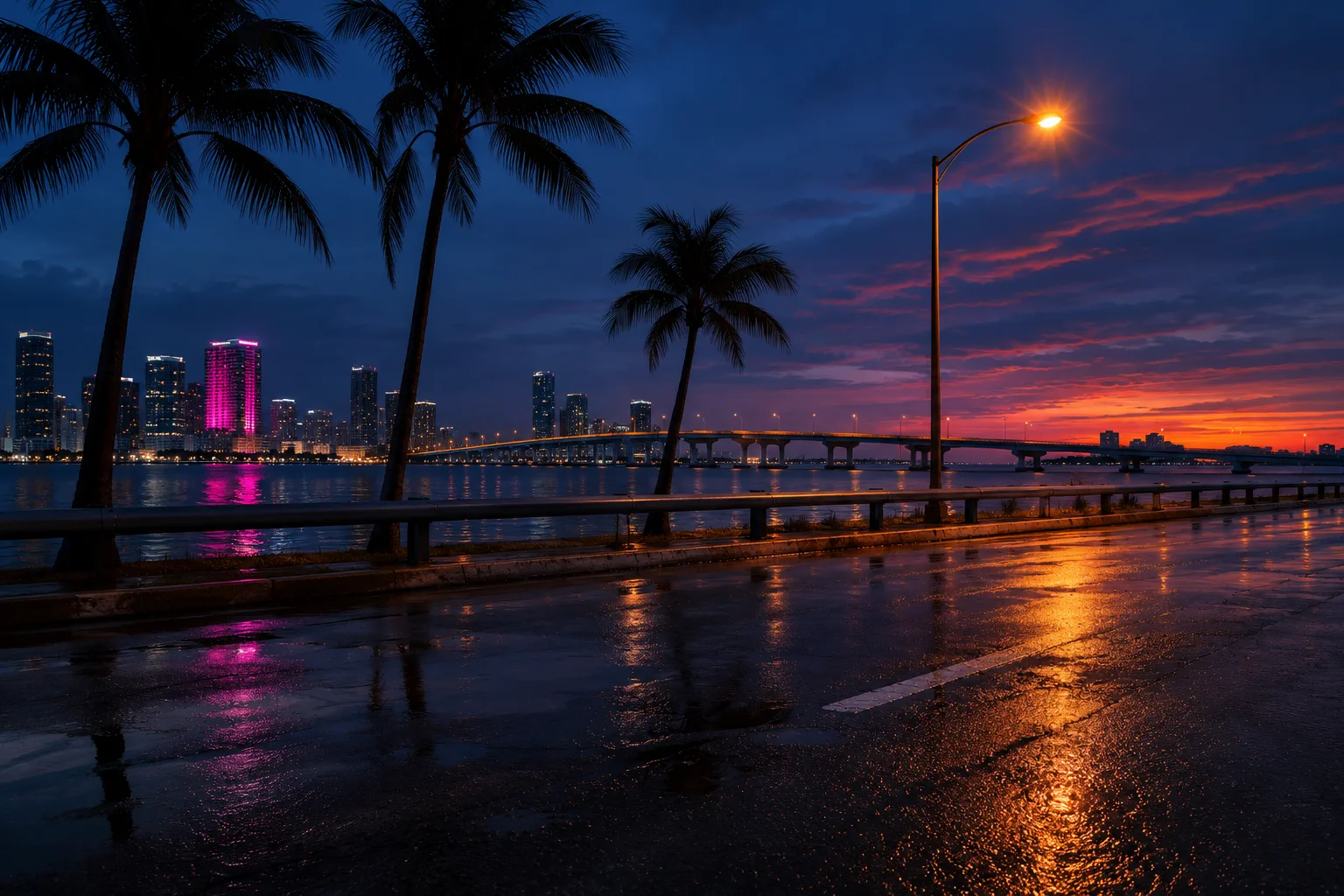 Lighting reference
How to tune it in game
Set the display mode first
Use your display’s low latency game picture mode and make sure it is receiving HDR10. Choose HGiG or a static tone mapping mode if available. If you play in Dolby Vision, switch to HDR10 to use this method.
Enter the three values in GTA VI
Open HDR calibration in the game’s display settings and enter Max Brightness, Paper White and Black Levels. Return to gameplay to judge the result.
Compare a dark scene and a bright scene
Look at dark road or building textures and the detail around sunlit clouds or streetlights. If the whole scene looks dim, try the next room preset or raise Paper White and recalculate. If shadows alone are hard to see, raise Black Levels a little.
How the calculator works
Paper White affects both average brightness and peak HDR output in GTA VI. The calculator interpolates the measured output curve for your Paper White setting, then finds the practical Max Brightness value that lands closest to your display’s target.
The result estimates the game’s HDR signal. Actual brightness depends on your display, picture mode, and how much of the screen is bright. Dynamic tone mapping can change the result from scene to scene. Room and Black Levels presets are starting preferences.
Read the GTA VI HDR measurementsCommon questions
What if the lookup can’t match my model or link?
Search using the complete model number from the product name or the display’s settings. If it still falls outside the measured catalogue, use the suggested search to find a review and paste its measured peak, or enter the value manually.
Which peak brightness number should I enter?
Use an independent small-window HDR measurement in the game mode you use, ideally from a 2% to 10% window. A display’s brightest advertised figure may come from a different picture mode or a different test.
Why is Max Brightness higher than my TV’s peak?
Below Paper White 50, GTA VI can output less light than the Max Brightness slider implies. The calculator estimates the slider value needed to produce a signal near your display’s peak.
Will the reference image show HDR on my screen?
The reference is an original SDR illustration. Use it to see which kinds of details to check, then verify your settings in GTA VI on the display you play on.